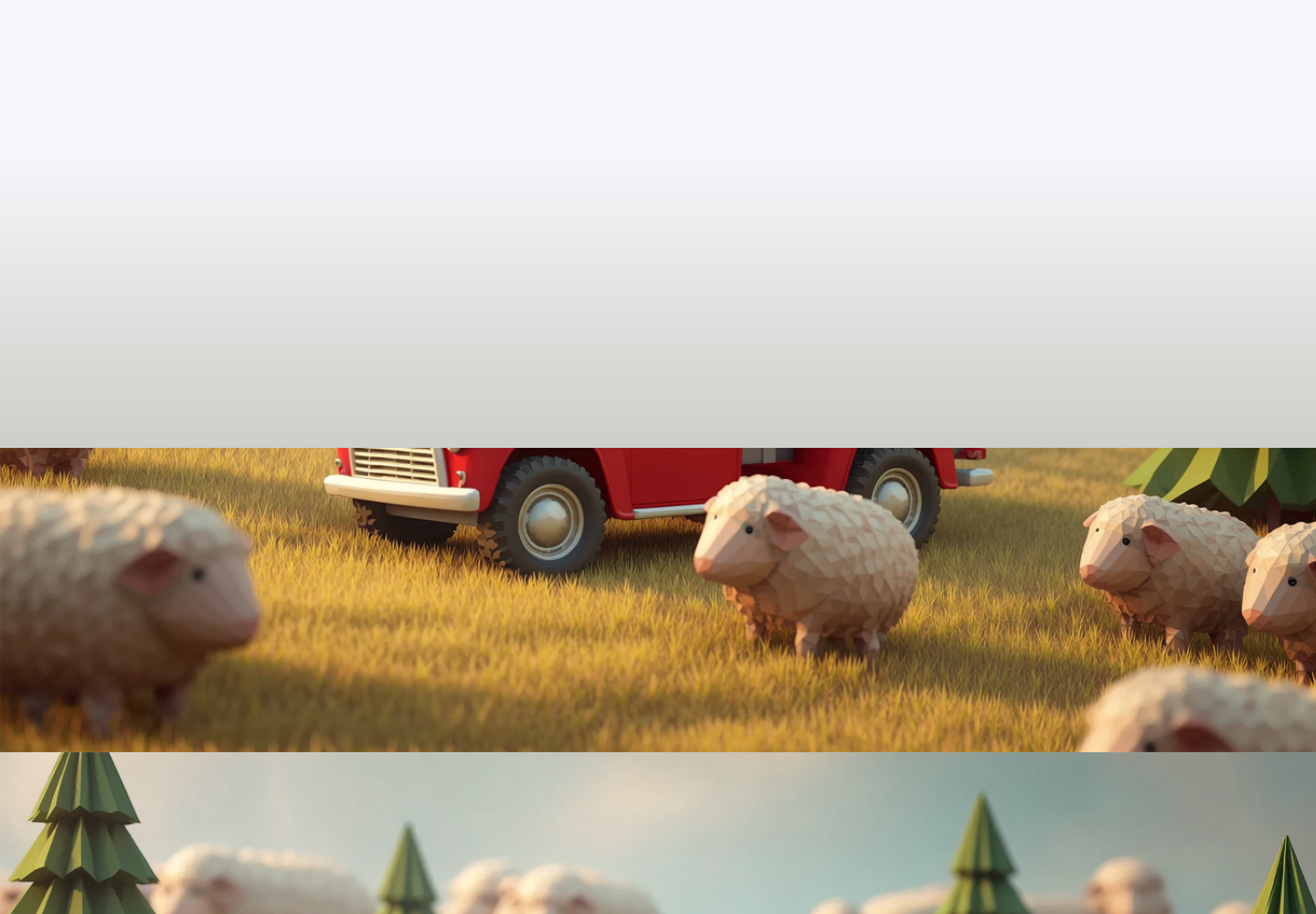
AI Editing
Empower your products and workflows with Bria’s enterprise-grade editing suites
Combine inpainting, outpainting, and enhancement capabilities to deliver creative control and production-quality results with speed, consistency, and safety.
Production-Ready Editing, Built to Scale
Bria’s Visual AI Editing engine combines precise control with creative flexibility, allowing you to transform visuals as intended while preserving every untouched pixel and ensuring consistent quality, fidelity, and scalability.

Preserve authenticity & identity
Maintain the integrity of the original image while ensuring consistent faces, products, and brand assets. Core pixels, tone, and composition remain untouched for authentic, reliable results.

Automation ready
Built to scale with your workflows. Integrates directly into creative pipelines, empowering automated editing at volume.

Maintain quality
Edits retain full resolution, color depth, and system stability, ensuring every result is production‑ready.

Support variability
Seamlessly generate multiple variations — from subtle retouches to complex transformations, all within one consistent framework.

Guided control
Every edit is predictable, repeatable, and fully controllable — combining AI precision with creative direction.

Next‑gen editing
Prompt‑based editing turns natural‑language commands into precise, intuitive visual changes.
(coming soon)
Explore Our AI Editing Core Capabilities
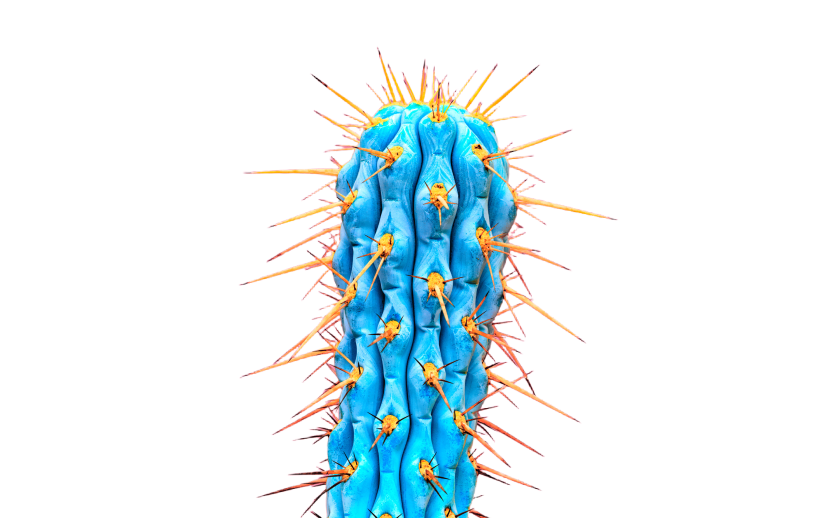
Image Background Removal
To achieve true control, Bria AI must first perfectly understand the language of the image.
Our Image Background Removal feature leverages Bria’s state-of-the-art RMBG 2.0 model to perform object separation with unparalleled precision and consistency.. This foundational capability ensures that subsequent editing steps, guided by Bria's programmable visual language, begin with a clean, perfectly defined subject.
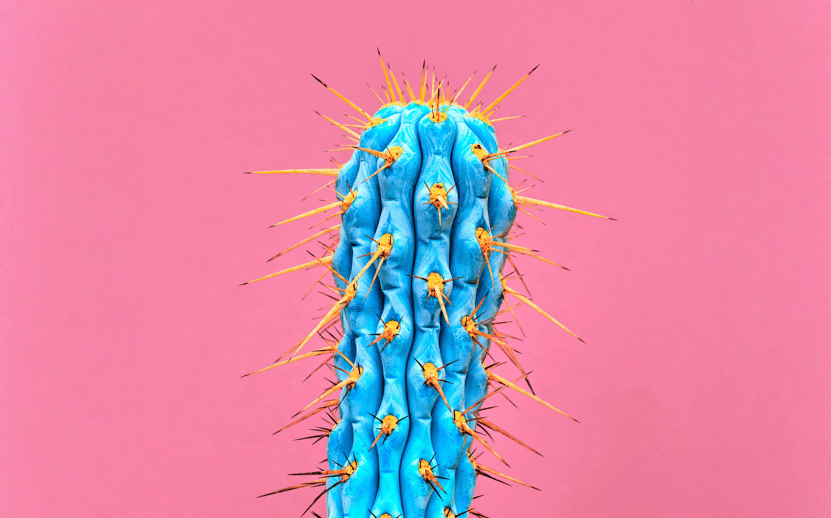
Eraser
Bria’s Eraser is not just a deletion tool. It is an advanced capability that utilizes our new visual language to intelligently rewrite the scene.
Using manual or automatic masks, the pipeline removes unwanted elements with surgical precision. Crucially, it then intelligently fills the erased areas with contextually relevant pixels, analyzing and replicating the surrounding lighting, texture, and overall visual harmony. This ensures the resulting image is flawless and undetectable.
Furthermore, the Eraser's keeps original image pixels intact to preserve authenticity, maintaining a consistent visual identity across critical elements like faces, products, and branded assets.
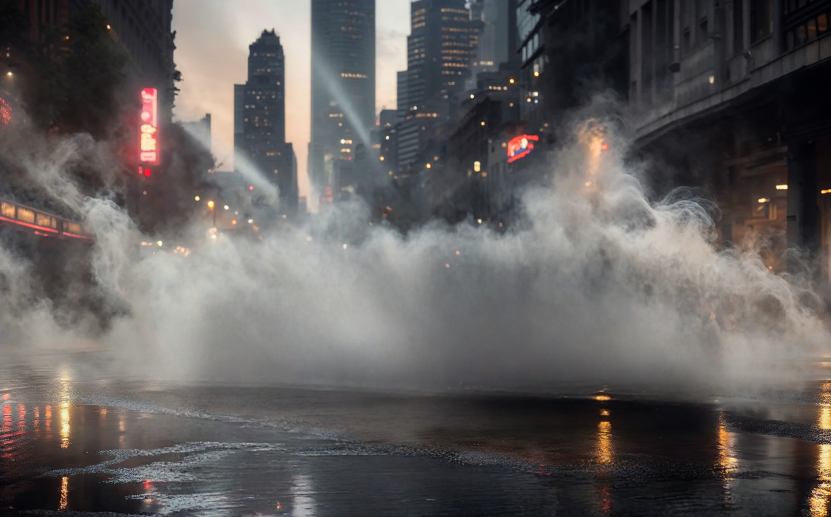

Generative Fill (Inpainting)
Generative Fill allows you to introduce entirely new elements while respecting the grammar and logic of the existing image.
Using manual or automatic masking, you can generate new elements within a defined region, precisely guided by a text prompt. The power of Bria's control-focused architecture ensures the newly generated content achieves perfect contextual coherence. It automatically analyzes and preserves the original lighting, texture, and overall scene consistency, guaranteeing the new element is not merely pasted in, but seamlessly woven into the visual fabric.
This capability delivers highly predictable and professional inpainting results every time.

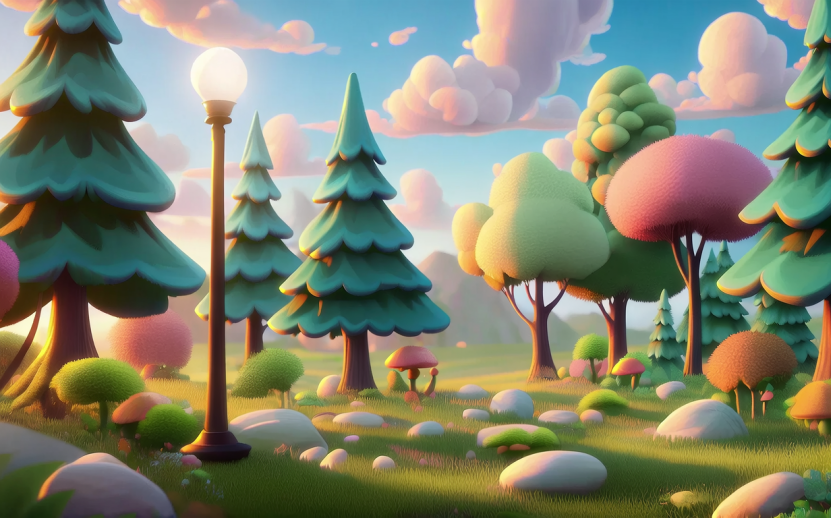
Image Expansion (Outpainting)
Use generative AI to seamlessly adapt visuals to any format or aspect ratio, intelligently extending the scene to preserve composition, context, and key visual elements.
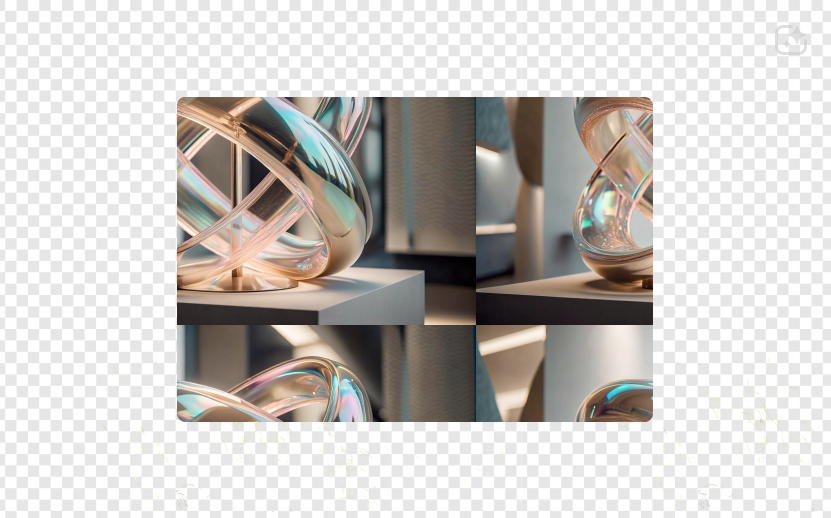

Background Generation
Background Generation showcases Bria AI's command over the new visual language, enabling seamless, contextually perfect scene composition.
This feature allows you to effortlessly generate and integrate a new background for any image while perfectly preserving the original subject's integrity and quality. Unlike simple layer replacement, Bria AI uses its deep understanding of the visual code to maintain lighting consistency, perspective, and shadow logic between the subject and the new environment.
This guarantees the resulting image is highly realistic, predictable, and visually coherent, making the subject look naturally placed within its new visual context.


Background Blur
Apply a blur effect to the background while keeping the foreground sharp and in focus.
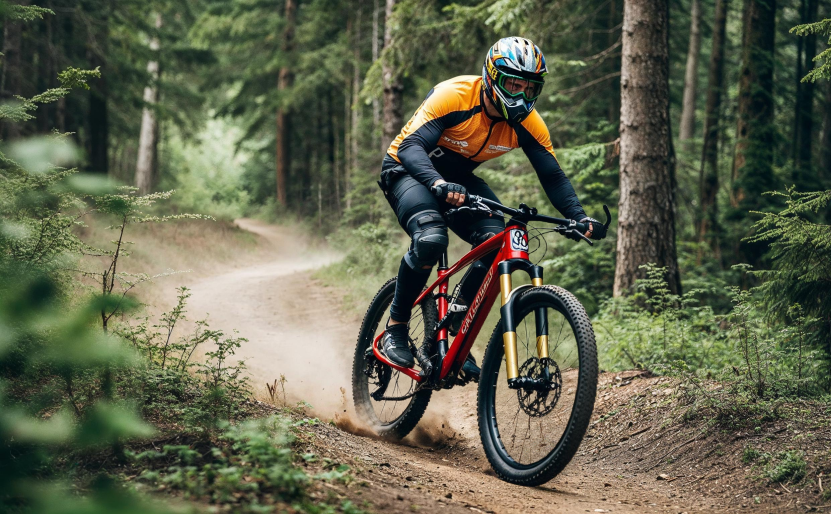
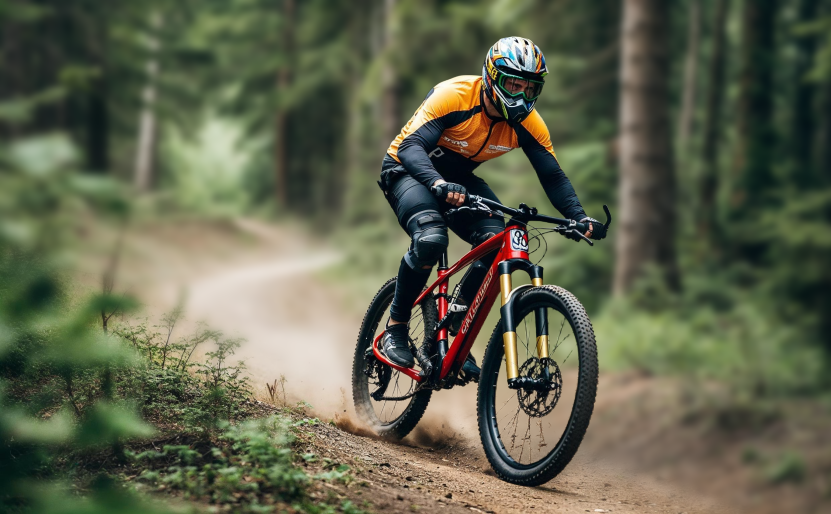
Image Upscaler
Upscale images up to 8× while preserving sharpness, texture, and structure. Deliver high-quality, production-ready assets optimized for print, advertising, and large-format media.
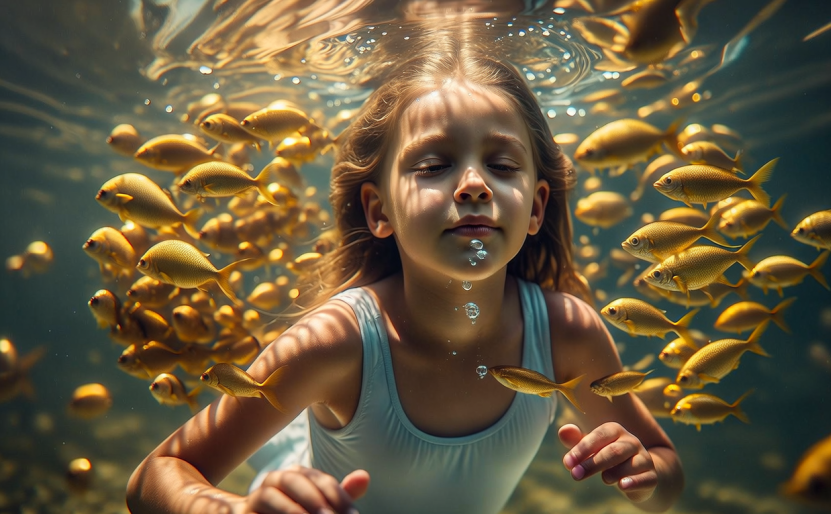
Image Enhancer
Improve the visual quality of an input image by generating richer details, sharper textures, and enhanced clarity.


Video Upscaler
Upscale videos to 8K (7680x4320) while maintaining the integrity of the original file. Preserve key input attributes, including aspect ratio, frame rate, color bit depth, audio (if present), and transparency (if supported by the selected output preset). Get high-quality, consistent results across common video formats.
Video Background Removal
Remove and replace video backgrounds while preserving the original sound, frame rate, resolution, and aspect ratio for seamless, high-quality results.
Choose from three powerful options:
Remove background – Extract the subject automatically with precision.
Apply solid background – Replace the background with any predefined color.
Get background mask – Generate a mask for advanced editing and compositing.
Core Visual Editing Use Cases
Empowering enterprises to accelerate creative production, reduce production cost, automate workflows, and achieve consistent, brand-safe results with Visual AI built for scale.
Background Removal
Separate subjects from any background using Bria’s state-of-the-art RMBG 2.0 model, delivering production-grade precision, edge accuracy, and consistency across large image volumes.
Isolate products, people, or objects for eCommerce, marketing, or design workflows.
Accelerate content pipelines by integrating background removal directly into design tools or DAM workflows.
Automate product catalog preparation: Instantly remove studio or lifestyle backgrounds to create uniform, high-quality visuals.
Benefit: Fully automate one of the most time-consuming editing tasks, delivering pixel-perfect cutouts and ready-to-use assets at scale, reducing production time and manual effort across creative workflows.


Eraser & Generative Fill (Inpainting)
Remove, replace, or add elements within an image using intelligent inpainting that fills masked areas with contextually accurate content.
Clean up visuals by removing unwanted objects, text, or distractions.
Replace or enhance elements to align with brand or seasonal needs.
Add new details to localize or personalize campaign visuals.
Benefit: Delivers precise, realistic edits with seamless texture and lighting, enabling rapid visual cleanup and creative adaptation at scale.


Expand Image (Outpainting)
Extend image borders intelligently by generating new, contextually coherent content that blends seamlessly with the existing scene.
Reformatting visuals for multi-channel campaigns: Adapt images to different aspect ratios (e.g., 1:1 → 16:9 → 9:16) to fit social, web, and display ad formats without losing visual integrity.
Creating banners and hero visuals: Expand small product shots into full compositions for websites, landing pages, or digital ads.
Enabling omnichannel creative reuse: Repurpose a single asset across diverse channels and markets while preserving composition and brand consistency.
Benefit: Seamless scene continuation with consistent tone, lighting, and color harmony, enabling marketing and design teams to scale creative production without costly reshoots or manual retouching.
FAQs
Bria provides a comprehensive suite of AI-powered editing tools for both images and videos. For images, you can perform tasks like object removal, background replacement, style transfer, color grading, and more. Our video editing capabilities include automatic scene detection, clip segmentation, object tracking, and seamless transitions. Bria's AI algorithms intelligently analyze and manipulate visual content, enabling efficient and professional-grade editing results.
Bria's AI editing interface is designed with usability in mind. Our intuitive drag-and-drop interface allows users to easily select and apply various editing functions without requiring extensive technical knowledge. We provide real-time previews and interactive controls to fine-tune the edits according to your preferences. Whether you're a beginner or a professional, Bria's AI editing tools empower you to achieve stunning results quickly and effortlessly.
Yes, Bria supports batch processing for both images and videos. You can select multiple files and apply the desired editing operations simultaneously, saving you valuable time and effort. Our AI algorithms optimize the processing pipeline to ensure efficient handling of large volumes of visual content. Whether you need to edit a handful of assets or thousands of them, Bria's batch processing capabilities streamline your workflow.