1
You describe what you want
Speak naturally. "Make this product photo look like it's on a marble kitchen counter, then remove the background." No technical parameters. No format juggling.
plain language input
Bria AI Skill — All Agent Compatible
One skill. Twenty capabilities. Generate product shots, remove backgrounds, restyle scenes, upscale to 4K — just describe what you need. No prompts to engineer. No API docs to read.
npx skills add bria-ai/bria-skillImage capabilities
Natural language instruction
Manual API calls needed
Bria's skill wires the model directly into a professional image generation and editing API. The LLM translates your intent into precise API calls — invisibly.
Speak naturally. "Make this product photo look like it's on a marble kitchen counter, then remove the background." No technical parameters. No format juggling.
plain language input
Claude understands context, picks the right Bria endpoint — RMBG-2.0, FIBO, Edit — chains operations if needed, and handles error recovery autonomously.
autonomous orchestration
Commercially safe, royalty-free output — ready for your campaign, e-commerce PDP, or design pipeline. Download, iterate, or chain into the next step.
commercially safe output
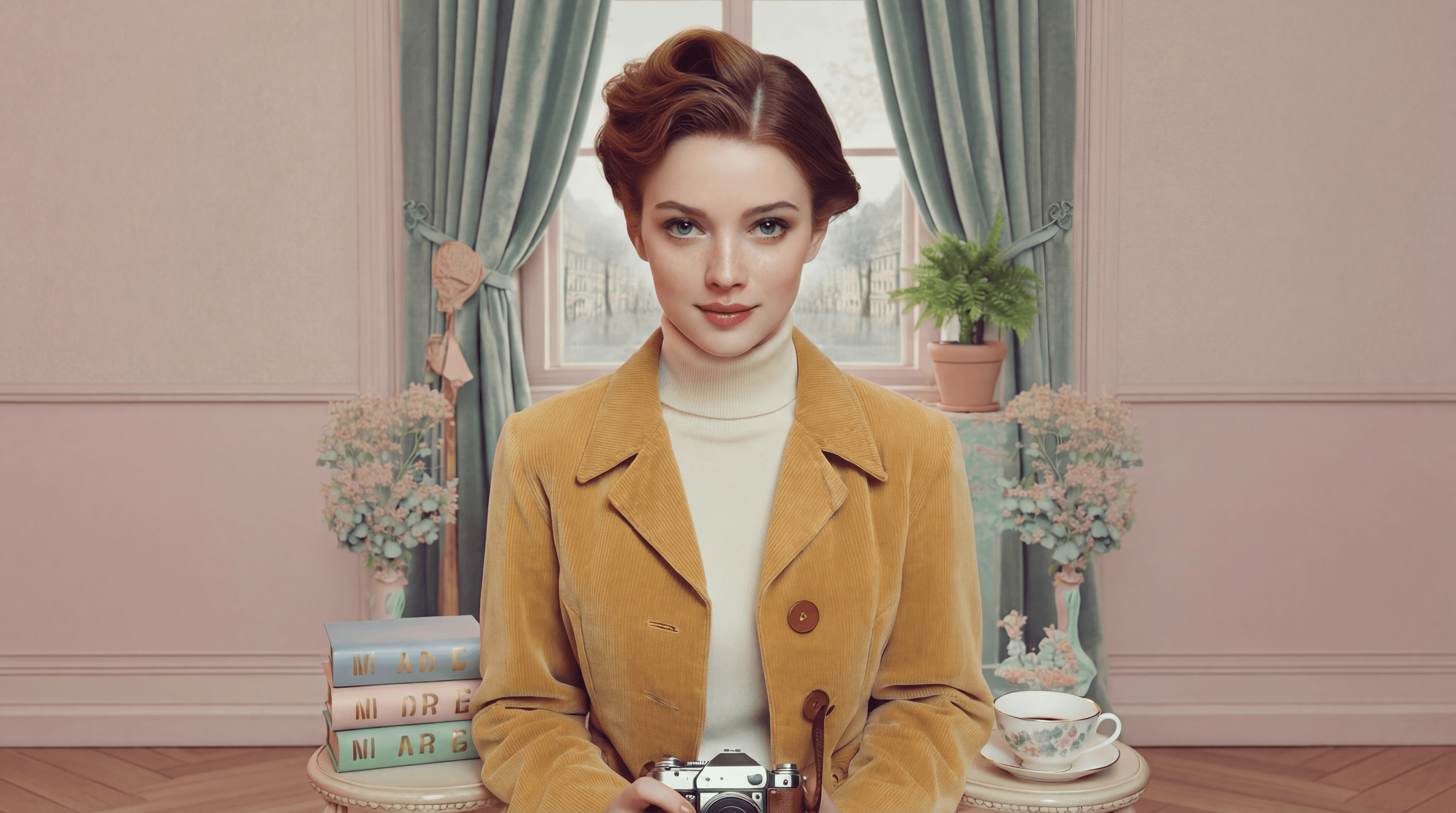
> Generate a high-fashion editorial shot. Avant-garde white blazer, minimalist concrete curves, starburst sun effect.
agent: Generating with FIBO model. Scene: architectural concrete backdrop, dramatic starburst lighting, fashion editorial framing...
✓ Image generated successfully.
> Now create a cutout of the model — transparent background, clean edges.
agent: Running RMBG-2.0 on the generated image. Detecting edges, separating foreground...
✓ Background removed. Transparent PNG ready.
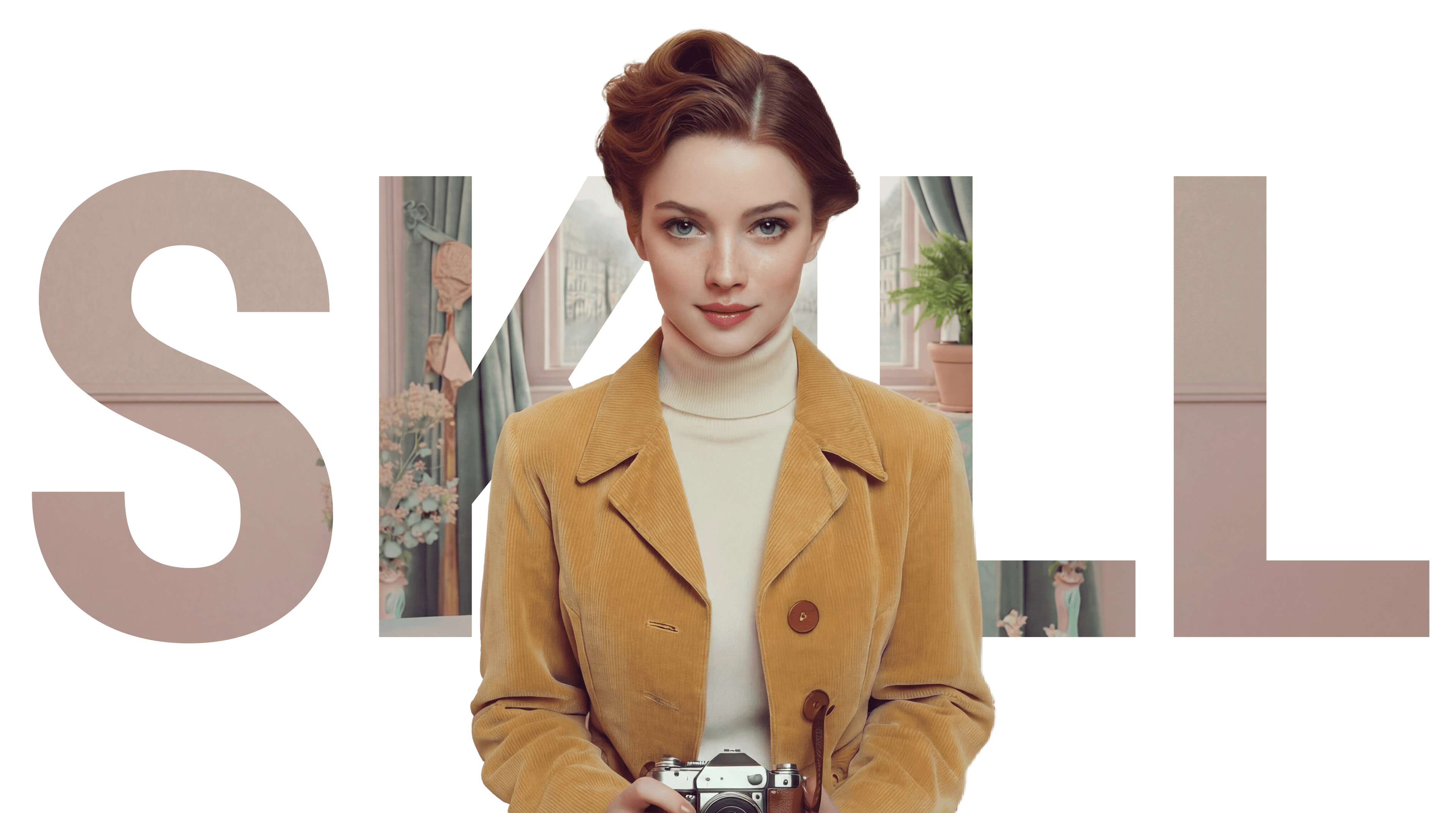
The agent picks the right tool automatically. You never choose an endpoint — you just describe the outcome.
Instant transparent PNG cutouts via RMBG-2.0. Works on products, people, and complex edges.
FIBO model generates hero images, banners, illustrations, and ad creatives from a description.
Change colors, swap objects, alter scenes — no mask, no Photoshop. Just describe the edit.
Drop a product into a contextual scene — kitchen, outdoor, studio — with natural lighting and perspective.
Extend image boundaries to any aspect ratio. Make a 1:1 into a 16:9 with seamless AI fill.
2x or 4x super-resolution for print-ready quality. Also restores and sharpens older images.
Transform the visual mood — oil painting, anime, 3D render — or swap seasons from summer to winter.
Chain multiple operations across multiple images — generate, edit, remove background, deliver — all in one instruction.

Download the bria-ai.skill file from the Bria website. Save it somewhere easy to find, like your Downloads folder.

Launch the Claude desktop app. Start a new conversation or open an existing one.

Drag and drop the bria-ai.skill file directly into the Claude chat window, just like you would attach any file. Alternatively, click the attachment (paperclip) icon and select the file from your Downloads folder.

Claude will show a preview of the skill with its name, description, and the tools it includes. Click "Install" (or "Accept") to confirm. The skill is now active in your Claude session.

Now you can use the skill to create something amazing with Bria AI.
Download the bria-ai.skill file from the Bria website. Save it somewhere easy to find, like your Downloads folder.
Launch the Claude desktop app. Start a new conversation or open an existing one.
Drag and drop the bria-ai.skill file directly into the Claude chat window, just like you would attach any file. Alternatively, click the attachment (paperclip) icon and select the file from your Downloads folder.
Claude will show a preview of the skill with its name, description, and the tools it includes. Click "Install" (or "Accept") to confirm. The skill is now active in your Claude session.
Now you can use the skill to create something amazing with Bria AI.


Add Bria to your agent in minutes. One skill, full image generation and editing — zero friction.